 Ascend to ZERO
Tips & Tricks
Difficulty
Pro
Hidden Mechanics
Yes
Leaderboard
ZERO Rush
Tips Categories
| Category | Type | Skill Level |
|---|---|---|
| Beginner Tips | Basic | First 10 runs |
| Controller Setup | Settings | Any level |
| Performance | Tech | Any level |
| Hidden Mechanics | Advanced | 50+ runs |
Explore our comprehensive tips coverage for Ascend to ZERO.
Details
Chip Pickup Priority
Optimal chip collection order
Priority
Skill > Stat > Device > Gadget
Early Run
Weapon-matching skill chips first
Pro Tip
Match chips to avatar weapon type
No-Time-Stop Builds
Extreme builds skipping time freeze
How It Works
Skip time freeze for raw power
Risk Level
High — experienced players only
Pro Tip
Best for ZERO Rush leaderboard attempts
Controller Optimization
Keybind and controller setup tips
Key Change
Map time freeze to easily accessible button
Impact
Faster freeze access = more strategic usage
Pro Tip
Adjust keybinds for comfort on long sessions
Core Mechanics
Advanced tips cover optimal chip pickup order (Skill > Stat > Device > Gadget), controller optimization (map time freeze to an accessible button), no-time-stop builds (skip freeze for raw power), and performance tricks (minimize idle time between rooms). Small optimizations compound over dozens of runs.
Advantages
Advanced tips and hidden mechanics dramatically improve run efficiency — from optimal chip pickup order to no-time-stop builds. Small optimizations compound over dozens of runs for significant improvement.
Challenges
Some tips require extensive game knowledge and may not apply to early-game. No-time-stop builds are high-risk and not recommended for beginners. Controller tips may vary by platform.
FAQ
What is the most important tip for new players?+
Use time freeze proactively, not reactively. Freeze before entering dangerous rooms to position yourself, collect resources, and plan your next move.
What are no-time-stop builds?+
Extreme strategies that skip time freeze entirely, freeing resources for raw power. High-risk, high-reward — recommended only for experienced players.
How do I optimize my controller settings?+
Map time freeze to an easily accessible button for quick activation. The faster you can access it, the more strategically you will use it.
Quick Tips
Use time freeze proactively before danger, not reactively after taking damage
Controller settings can be optimized — adjust keybinds for faster time-freeze access
Every second counts in Ascend to ZERO — minimize idle time between rooms
Chip pickup order matters more than you think — follow the priority hierarchy
⭐ Featured

50 Tips and Tricks for Ascend to ZERO — From Beginner to Advanced Player
Comprehensive collection of 50 tips and tricks for Ascend to ZERO. Covers every aspect of gameplay from time management to advanced builds.
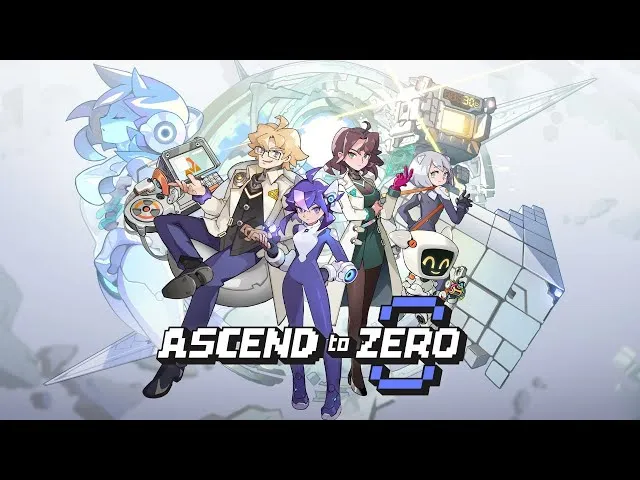
Ascend to ZERO Chip Pickup Decision Tree — Which Chips to Pick and When
The complete chip pickup decision tree for Ascend to ZERO. Prioritize skill chips, stat chips, devices, and gadgets at the right time for maximum build efficiency.

Ascend to ZERO Controller Setup Guide — Best Bindings, Sensitivity & Layout
Optimize your controller setup for Ascend to ZERO. Best button bindings for time freeze, movement, and combat. Sensitivity and layout recommendations.
All Articles
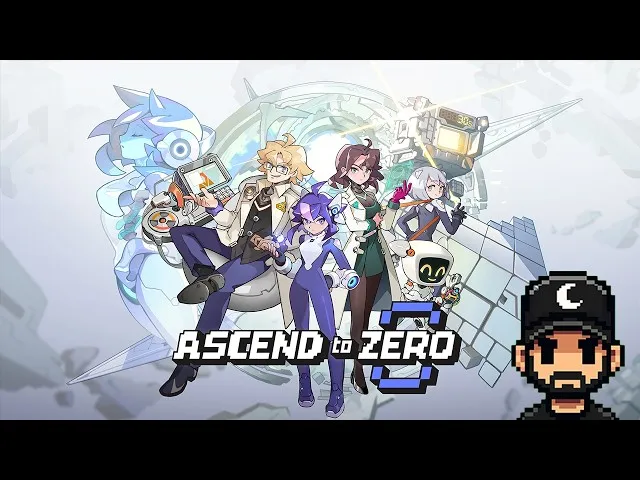
Hidden Mechanics You Might Miss in Ascend to ZERO — Secret Interactions & Advanced Systems
Discover hidden mechanics in Ascend to ZERO that the tutorial does not explain. Secret interactions, underdocumented systems, and advanced techniques.

Ascend to ZERO Performance Optimization — FPS, Input Lag & Settings for Competitive Play
Optimize Ascend to ZERO performance for competitive play. FPS settings, input lag reduction, graphics configurations, and platform-specific tuning.